The #1 tool to build Web2App quiz flows and paywalls that convert

Book a call

Cal AI Web Quiz Funnel Teardown

Focus: how Cal AI moves a user through a web quiz into a web paywall. Creative examples are included only as acquisition context.

Brand: Cal AI URL: funnel.calai.app Captured: June 17, 2026 Flow: web quiz -> email -> paywall -> Stripe
Important: public sources do not show spend, reach, CTR, CVR, trial-to-paid, revenue, or internal A/B tests. This teardown is based on the observable flow and product hypotheses by screen.

1. Creative Pattern

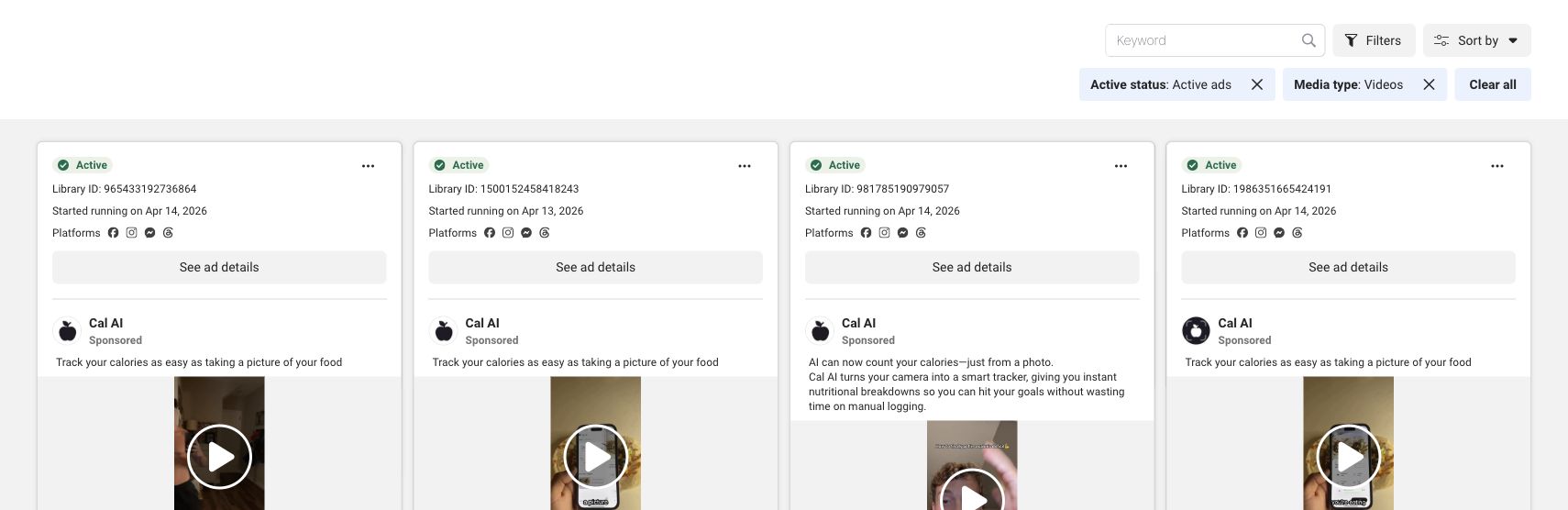
Cal AI has a large pool of video ads visible in Meta Ad Library. Creative is not the main focus of this teardown, but it explains why the quiz starts with a food-scanning demo.

  • Core concept: take a food photo -> AI calculates calories and macros.
  • Pain: manual calorie tracking feels boring and friction-heavy.
  • Promise: reaching the goal feels easier because tracking no longer feels like work.
  • CTA framing: App Store/download + trial/free-trial angles.

What matters for the web funnel: the creative does not sell a diet on the first touch. It sells the magic of data input. The quiz then continues with personalization around body, goals, and habits instead of jumping straight to "buy a plan".
  • The creative hooks with fast visual proof.
  • The quiz turns interest into commitment.
  • The paywall sells a personalized plan, not just the app.
Cal AI Meta video ads

Meta Ad Library, video ads: the first cards repeat one angle - calorie tracking as easy as taking a picture.

2. What This Web Quiz Is

Where it was found

funnel.calai.app. The subdomain is blocked from indexing with noindex/nofollow and robots disallow.

Tracking

Public code shows Meta Pixel and Mixpanel events: start, page view, select price, checkout start/error, and download page viewed.

Monetization

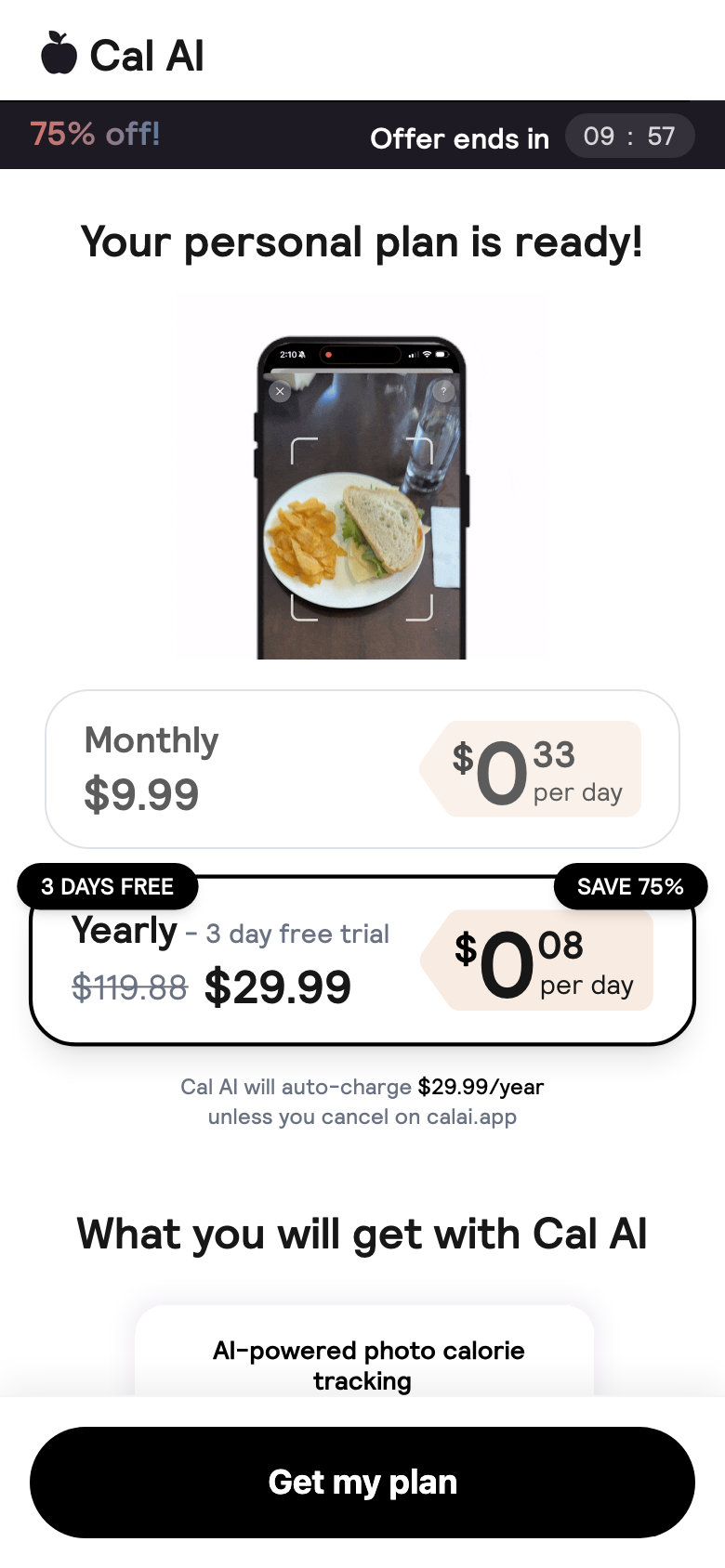
The final step leads to a Stripe-powered web paywall. Observed options: monthly at $9.99 and yearly at $29.99 with a 3-day free trial.

Ad clickThe creative sells photo-to-calories magic.
QuizThe user invests personal data.
EmailProgress is saved and Cal AI captures a lead.
Plan readyThe flow creates the feeling of a personalized result.
PaywallTrial + discount + Stripe checkout.

3. Web quiz screens

Each quiz screen below includes the visible screen and its conversion job.
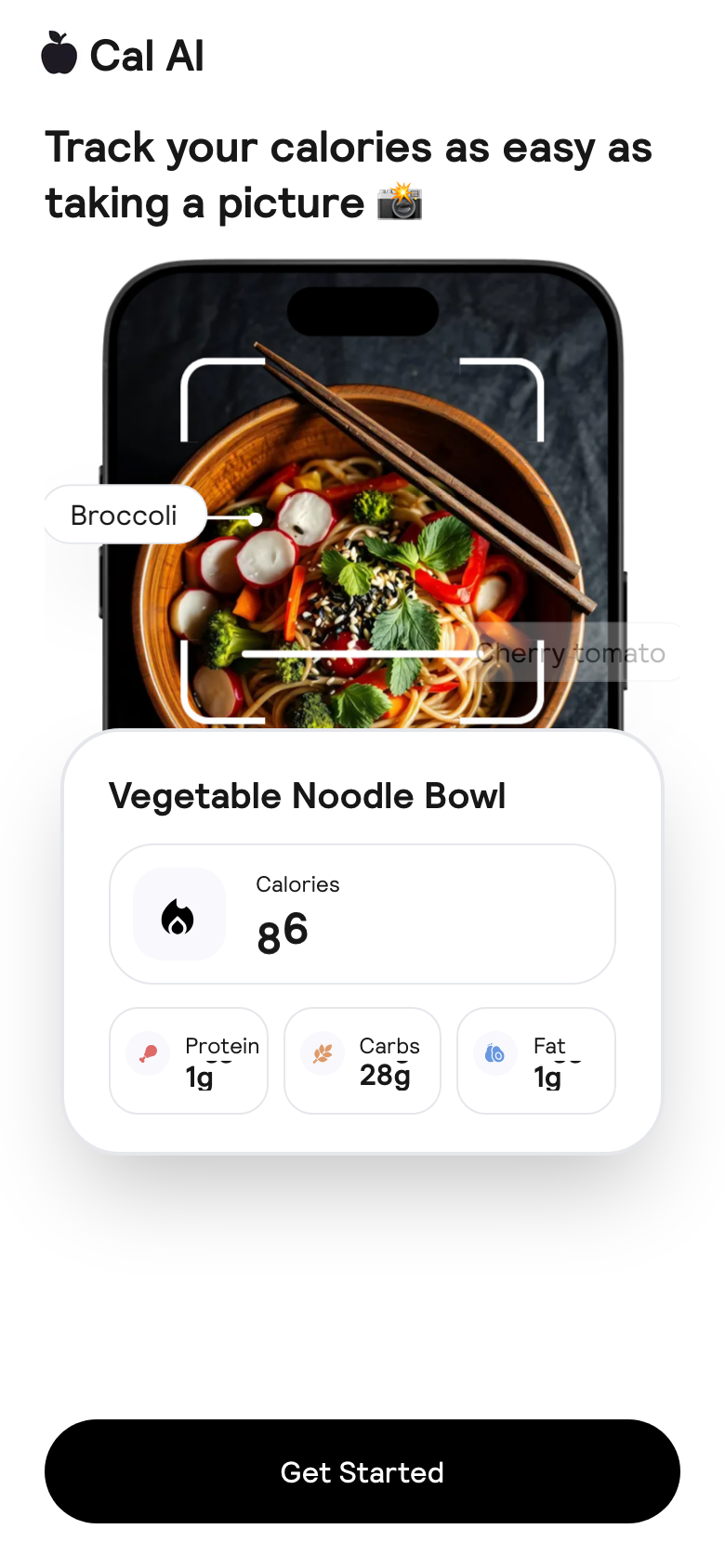
Hero screen
00. Hero Immediately repeats the creative concept: food photo -> nutrition breakdown. This reduces the gap between the ad and the first screen.
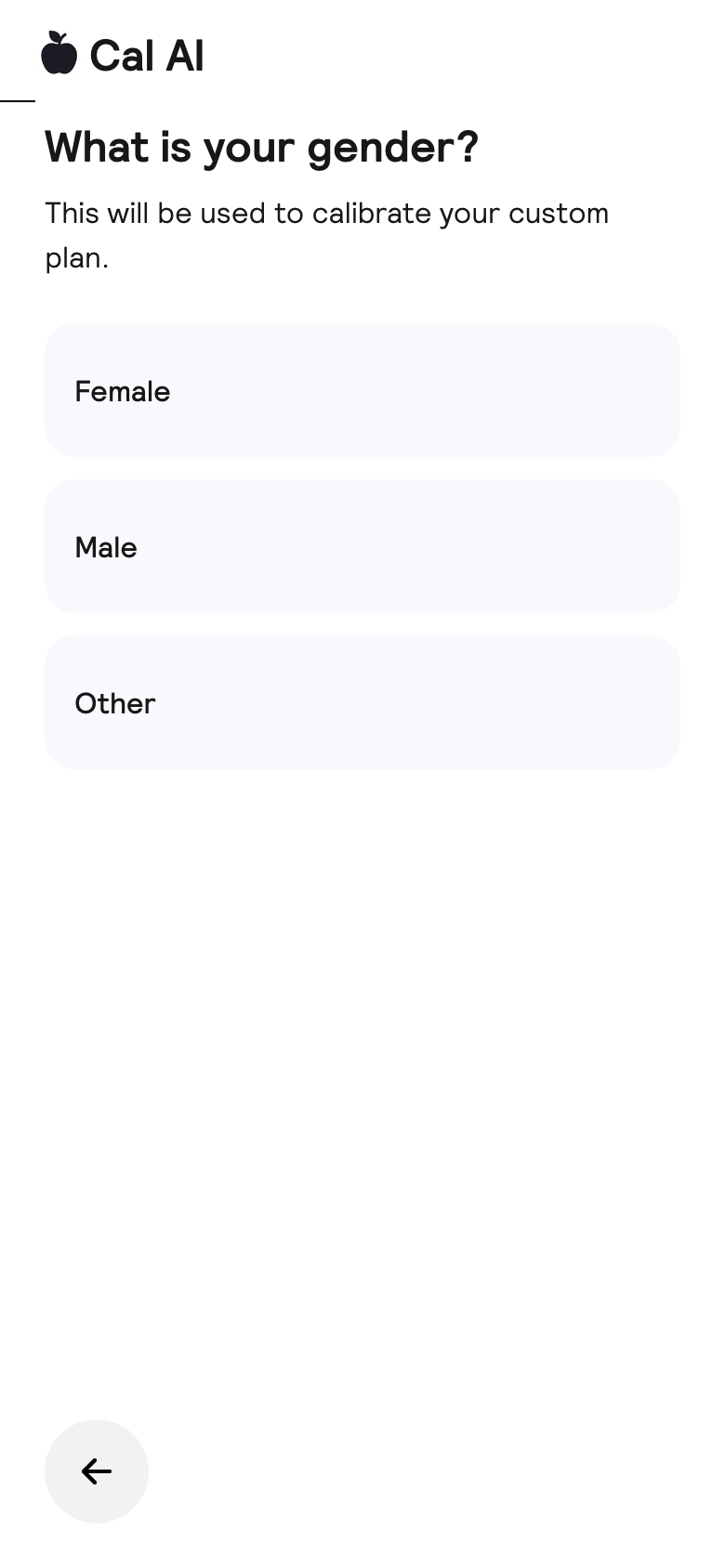
Gender screen
01. Gender A lightweight first question. Fast answer, low cognitive load, and the start of the commitment loop.
Age screen
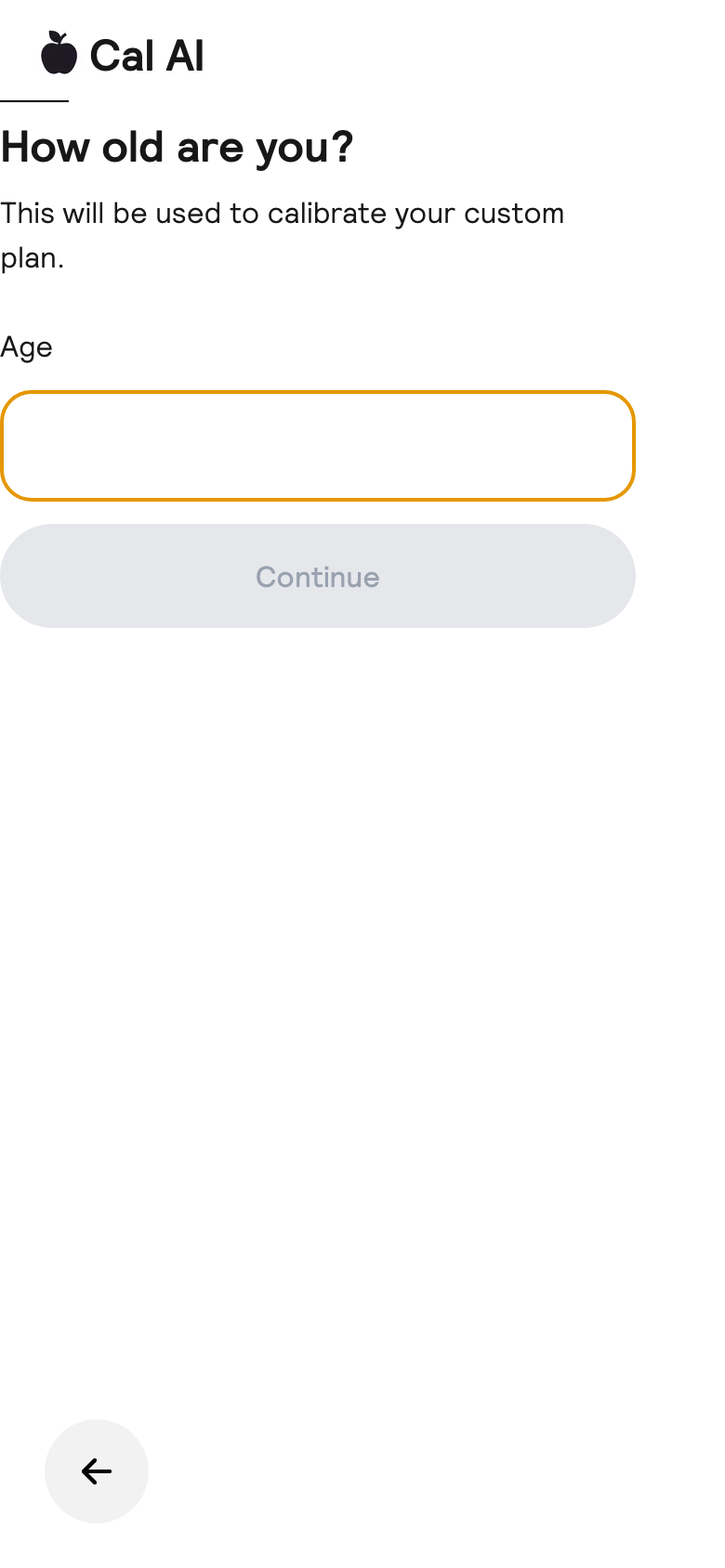
02. Age Personalization through baseline physiology. The input field makes the plan feel calculated for the user.
Workouts screen
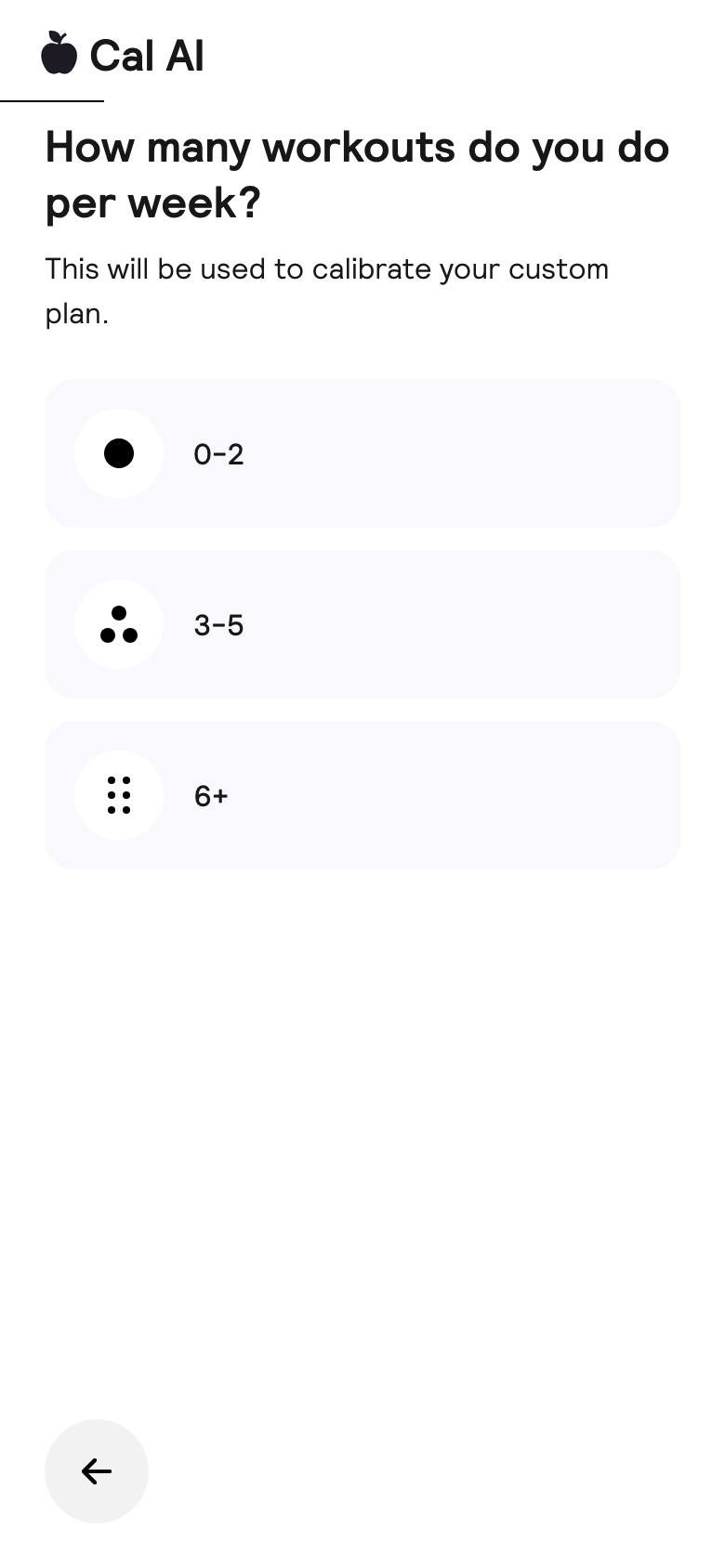
03. Workouts Activity segmentation. The funnel can adapt the path and later explain calorie targets more credibly.
Tried apps screen
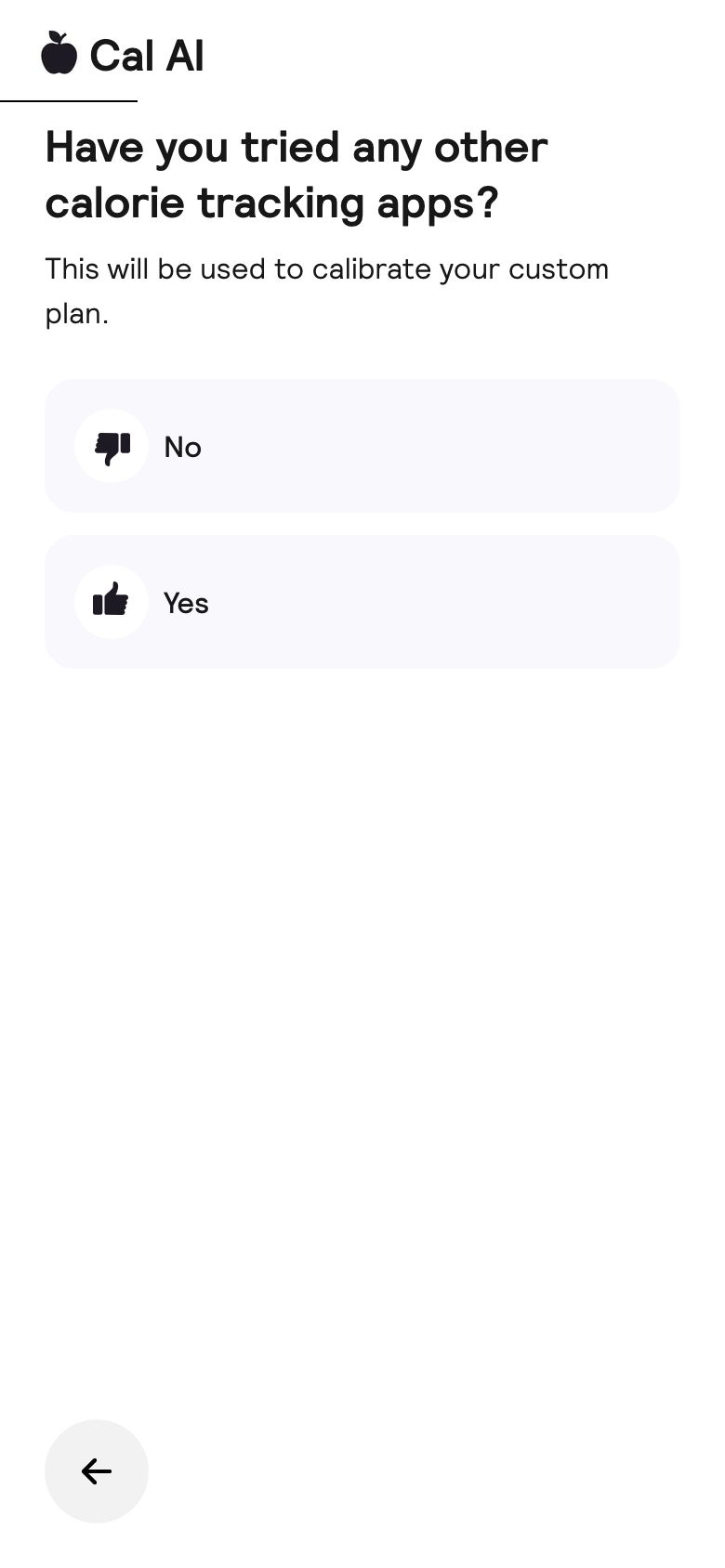
04. Tried tracking apps Highlights competitor pain: the user has already tried old trackers, so Cal AI can sell a simpler and faster alternative.
Goal screen
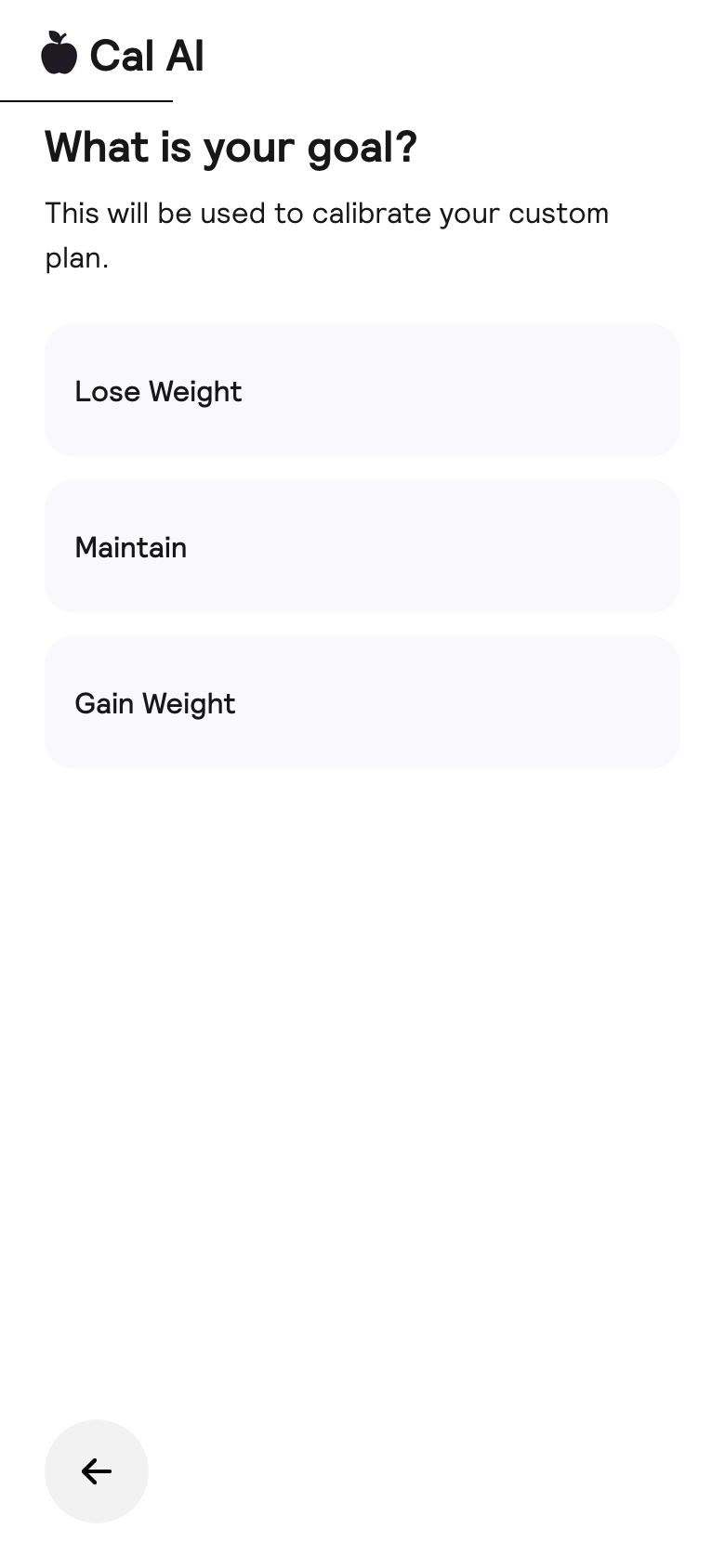
05. Goal Core branch: lose, maintain, or gain. From here, the quiz is about a personal outcome rather than the app itself.
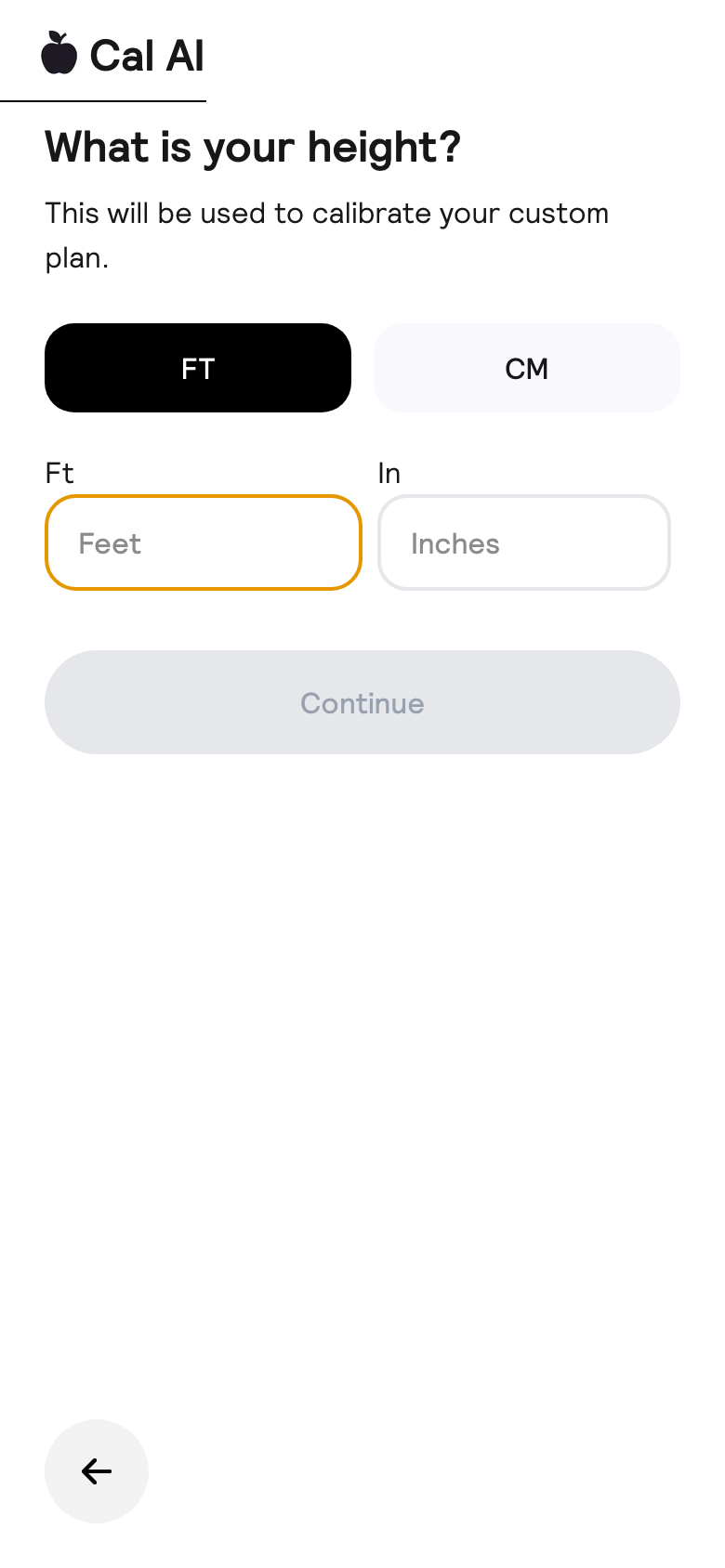
Height screen
06. Height Needed to make the calculation credible. The FT/CM toggle reduces friction across geos.
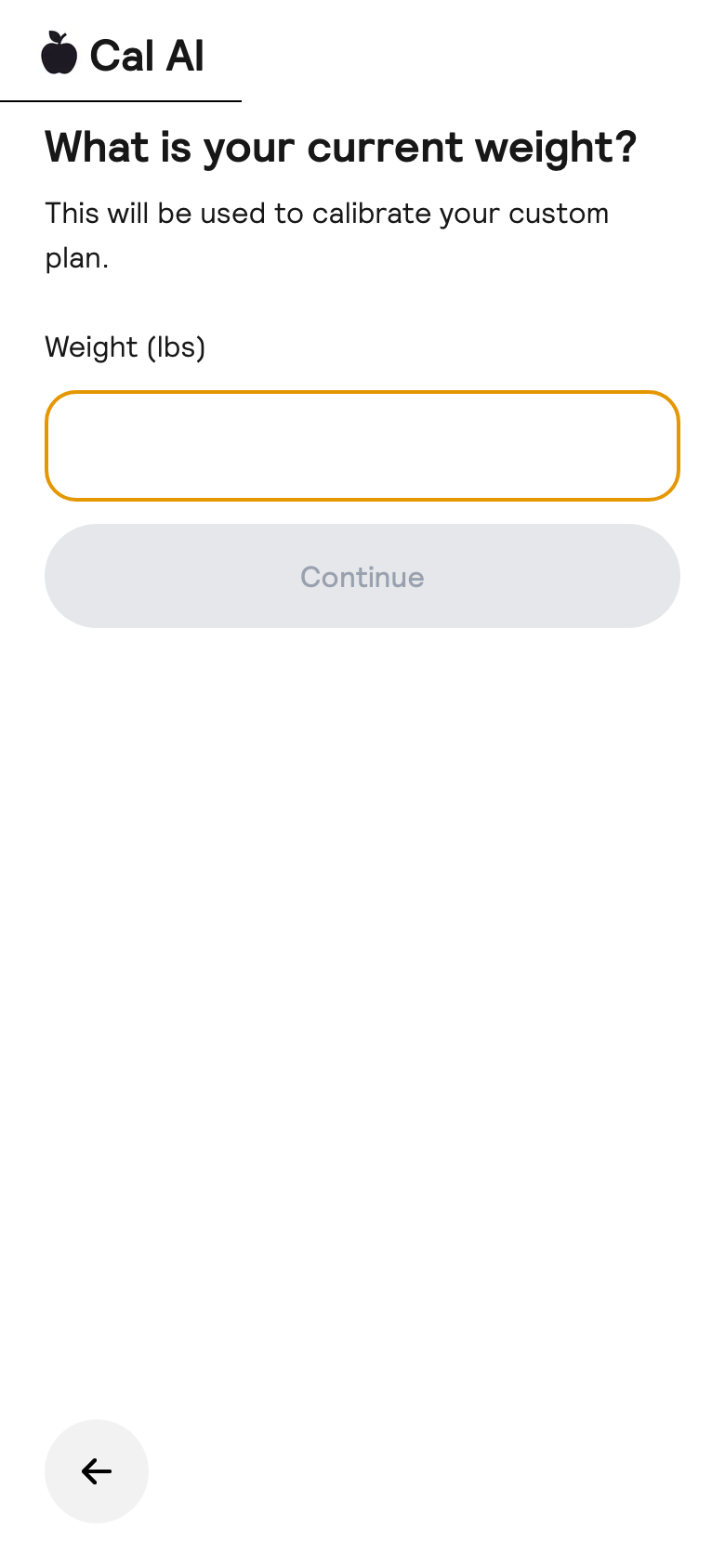
Current weight screen
07. Current weight The user anchors their current state. This increases personal involvement before the target-state screen.
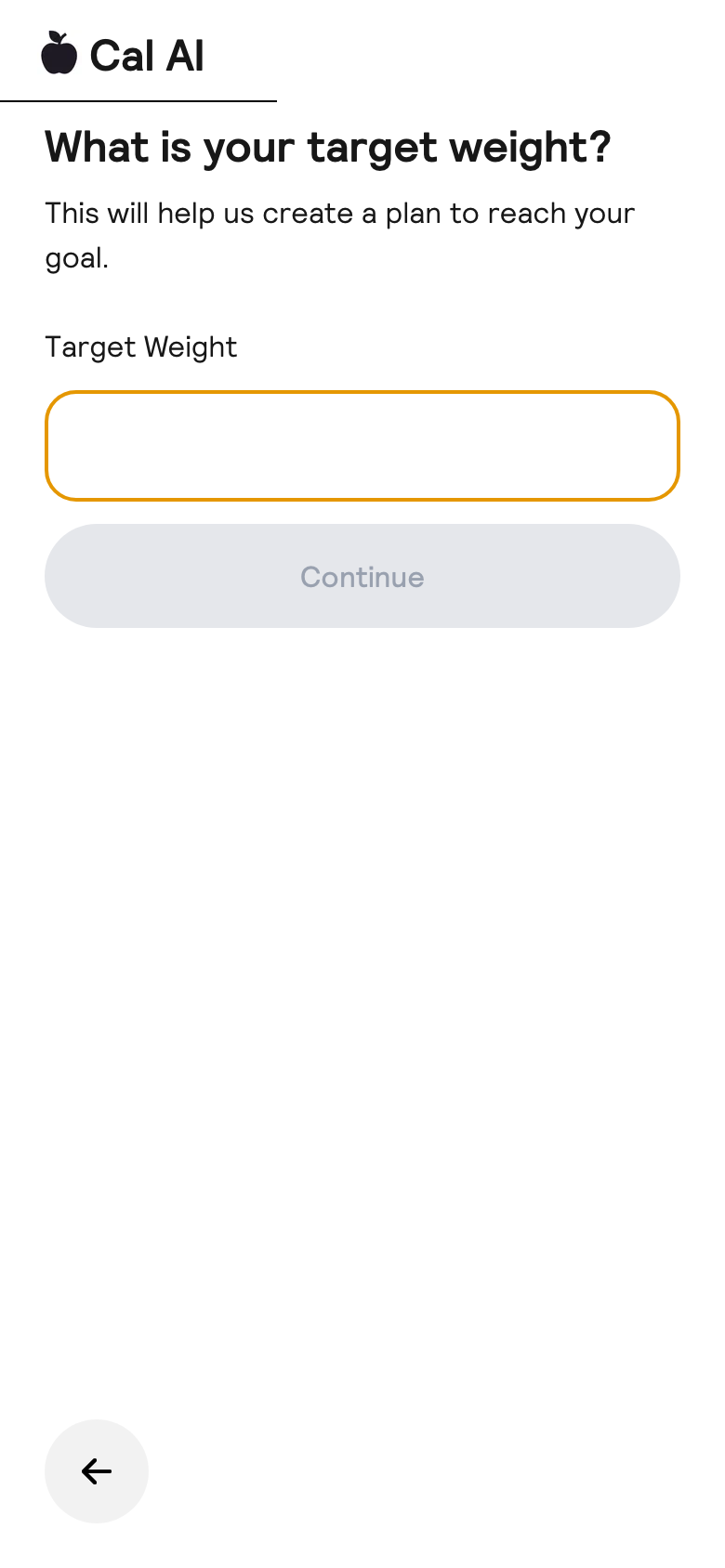
Target weight screen
08. Target weight Moves the focus into the desired future. This sets up the next motivational screen.
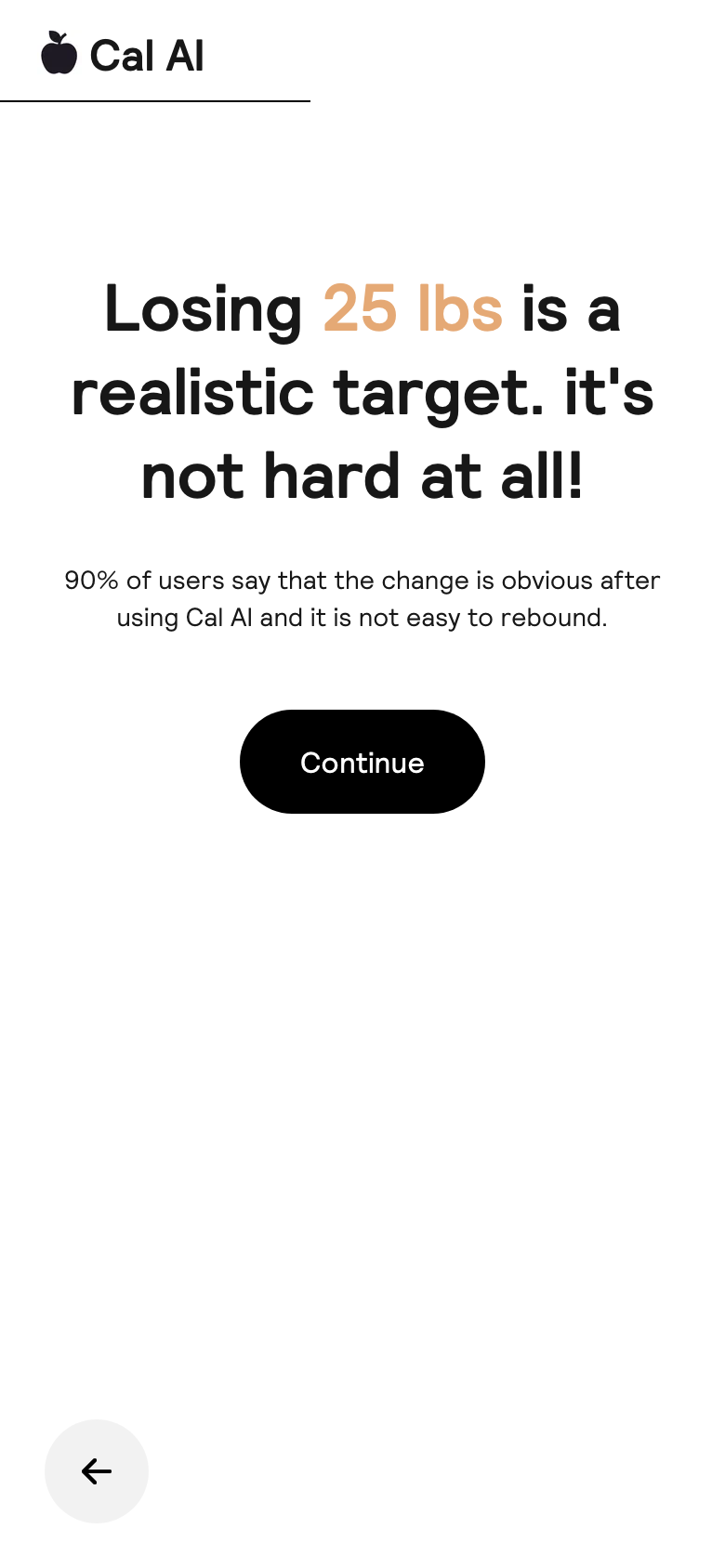
Realistic target screen
09. Realistic target Goal validation: this is realistic. It reduces anxiety and nudges the user to continue.
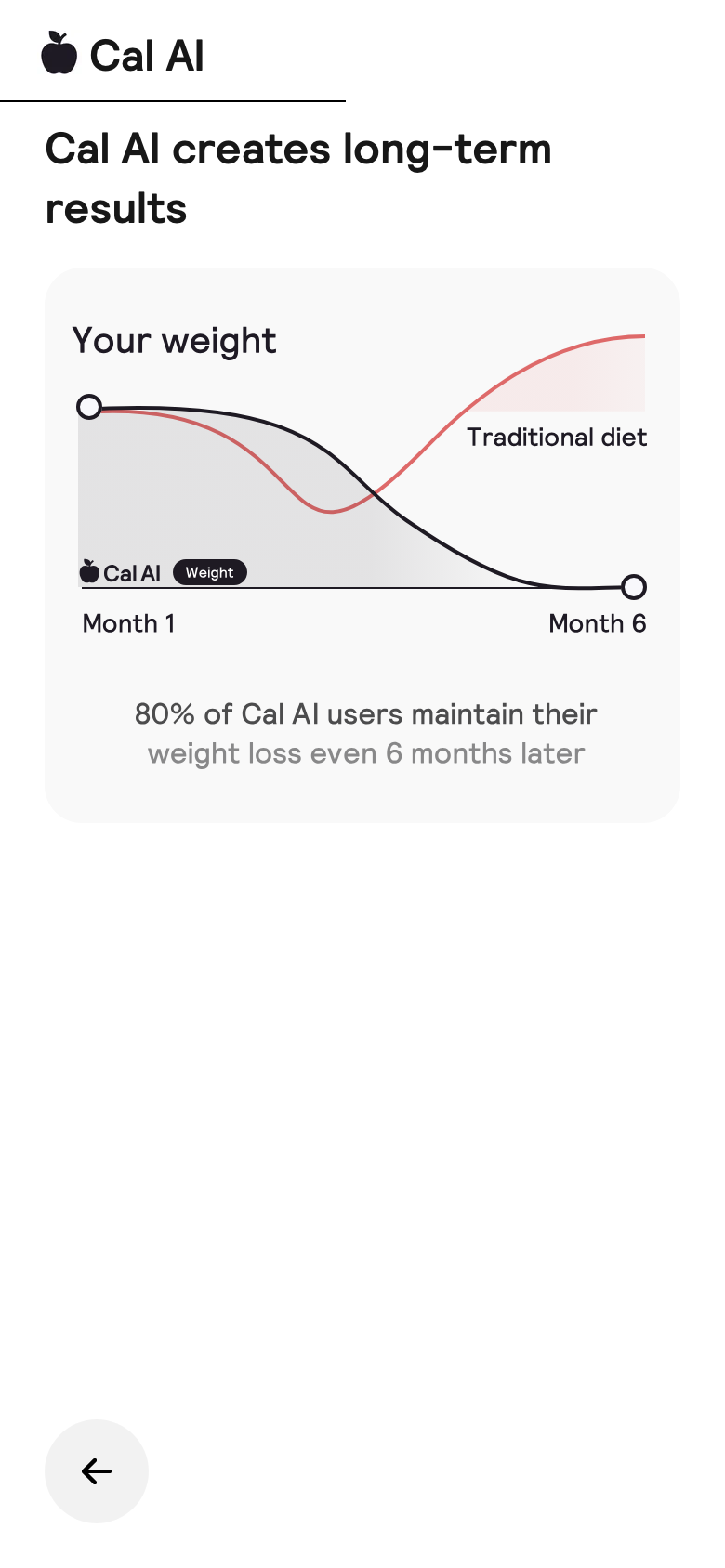
Long term results screen
10. Long-term results Moves from "I entered data" to "Cal AI is creating a result." This warms the user up between questions.
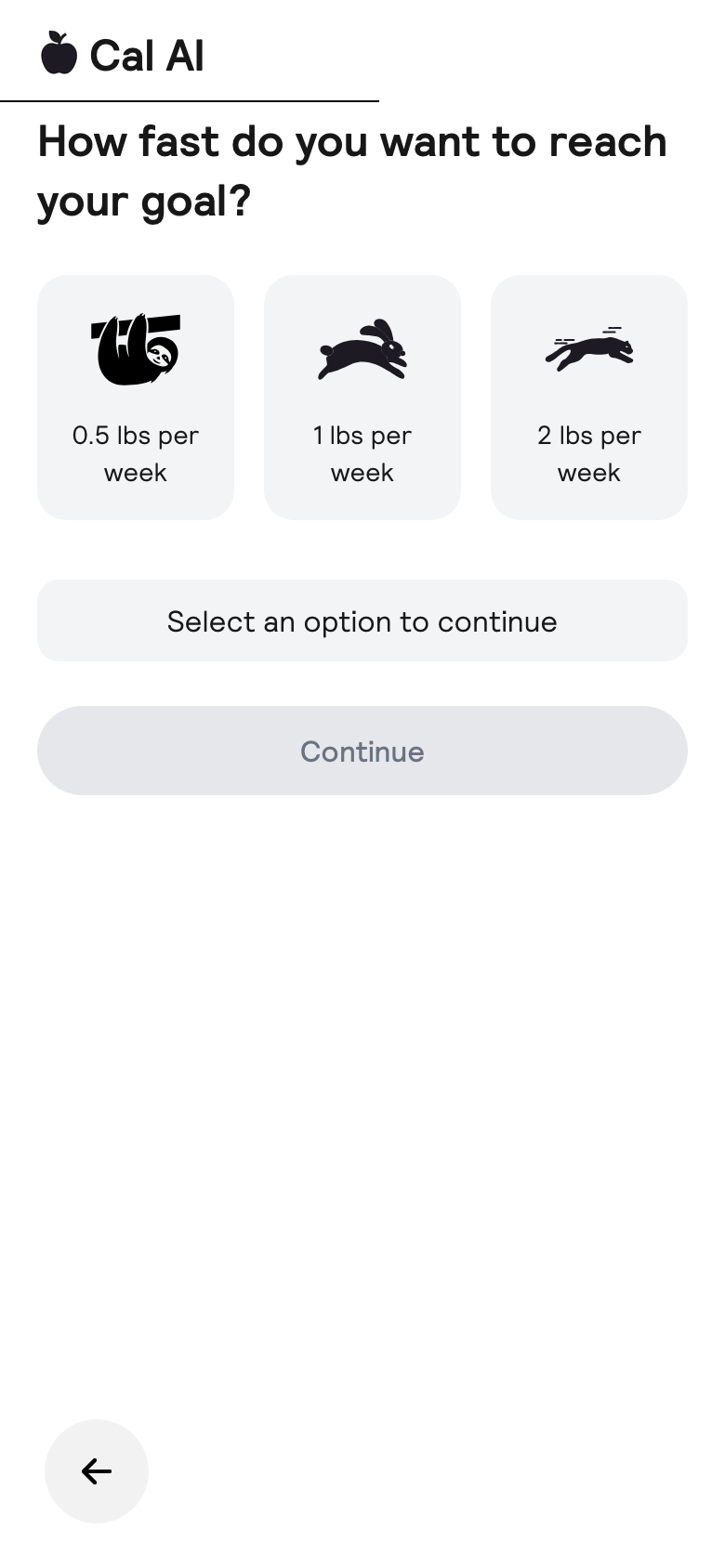
Speed screen
11. Speed The user chooses their desired pace. This creates control and captures expectations.
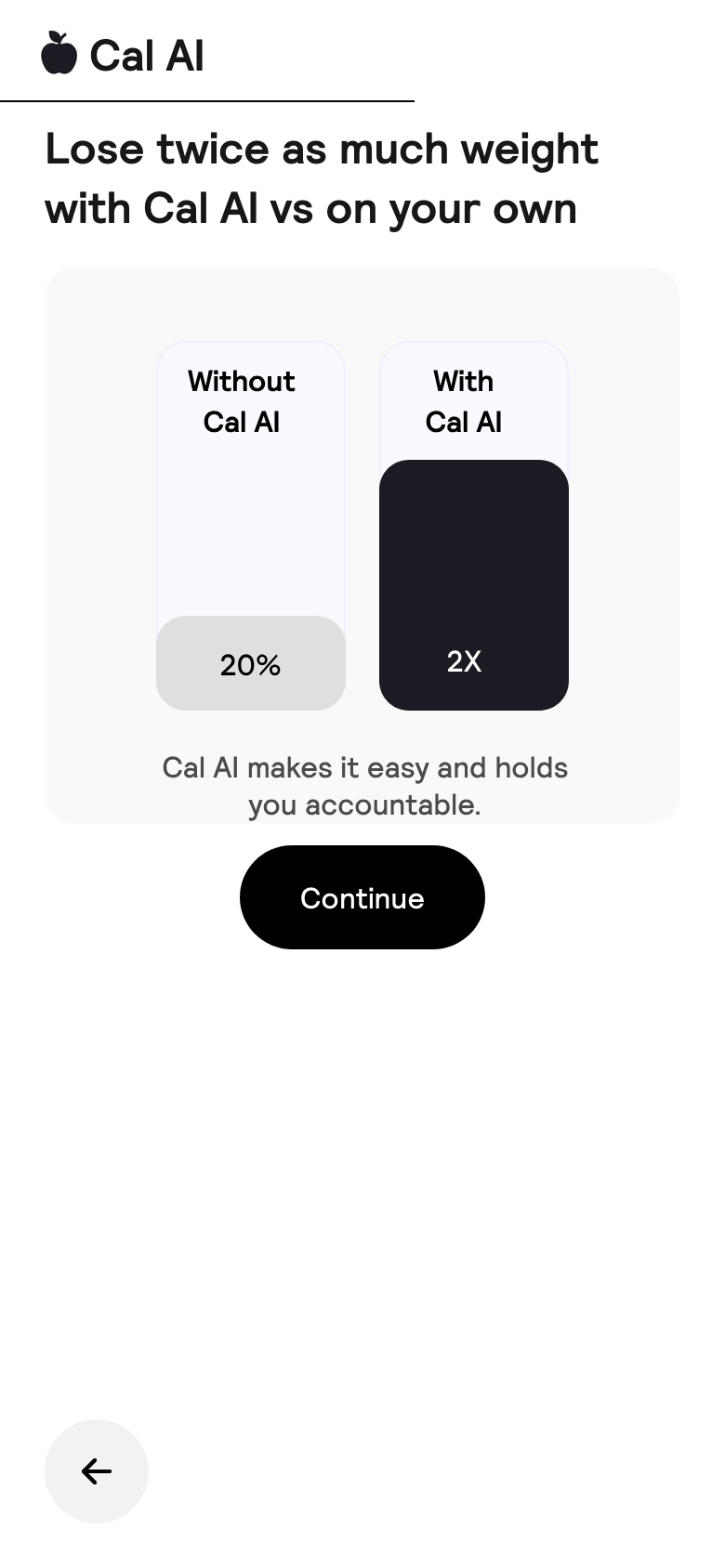
Vs own screen
12. With Cal AI vs alone Contrast proof screen: not just a tracker, but a progress accelerator compared with doing it alone.
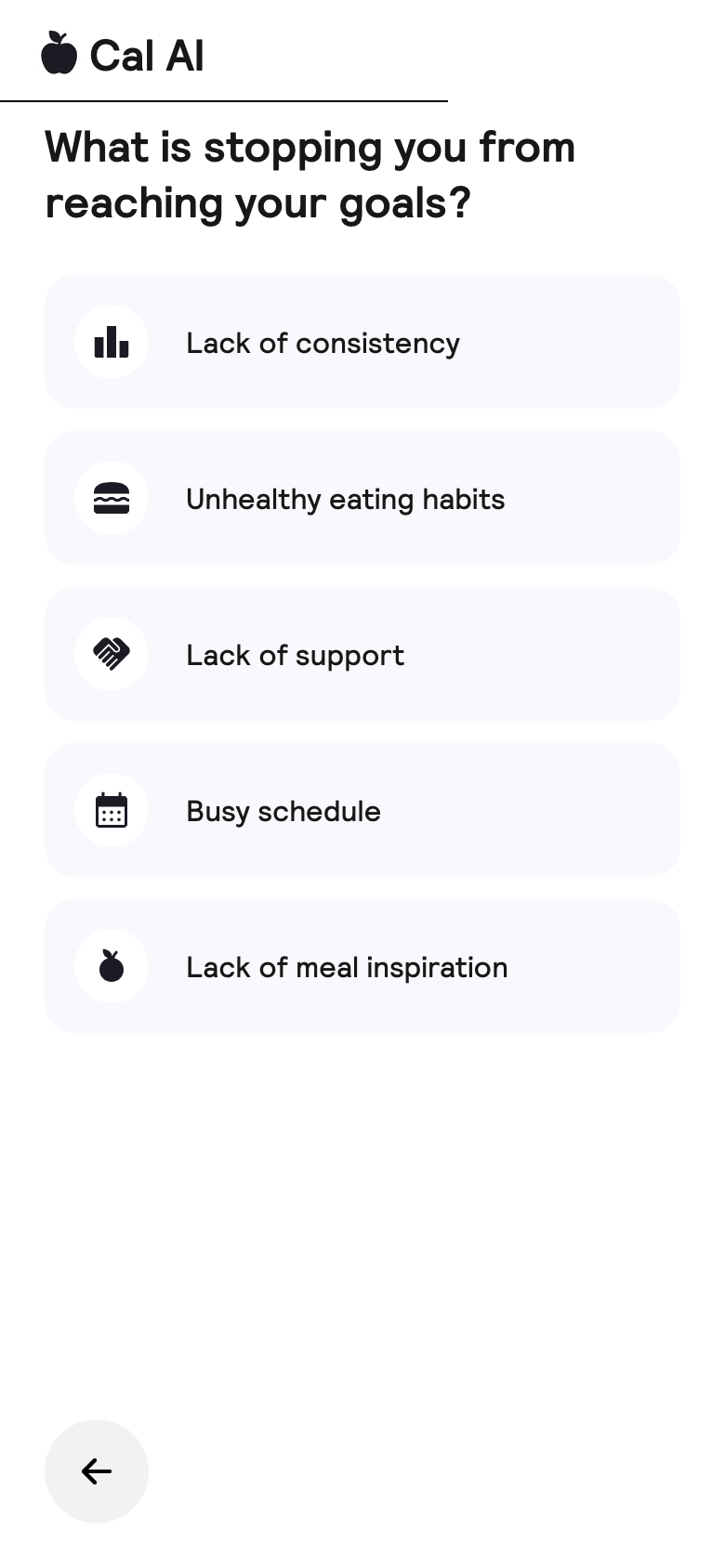
Blockers screen
13. Blockers Collects pain points: consistency, habits, support, and busy schedule. These can be mirrored later in value props.
Diet screen
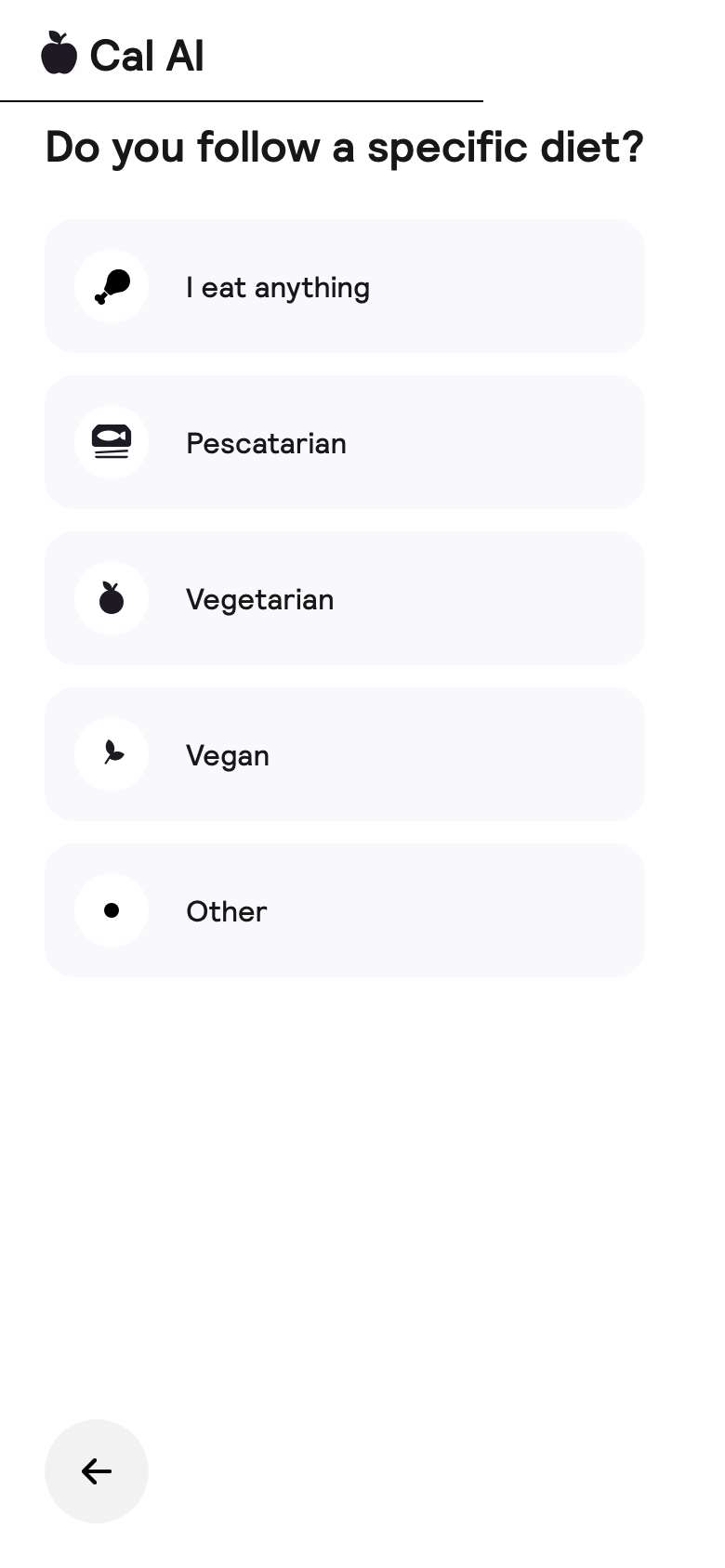
14. Diet Makes the plan feel diet-aware. Also segments content and future meal recommendations.
Accomplish screen
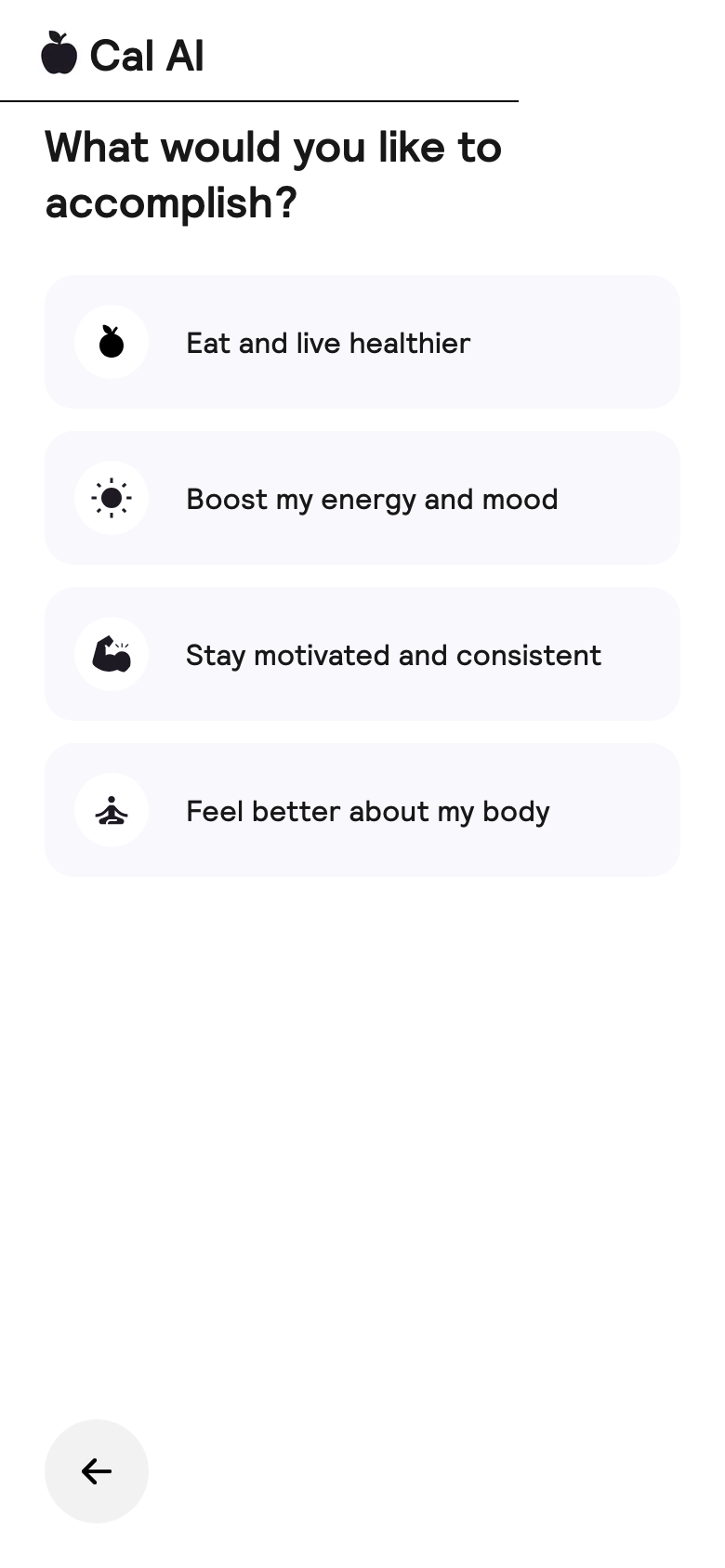
15. Desired outcome Broadens motivation beyond weight: health, energy, consistency, and body confidence.
Trust screen
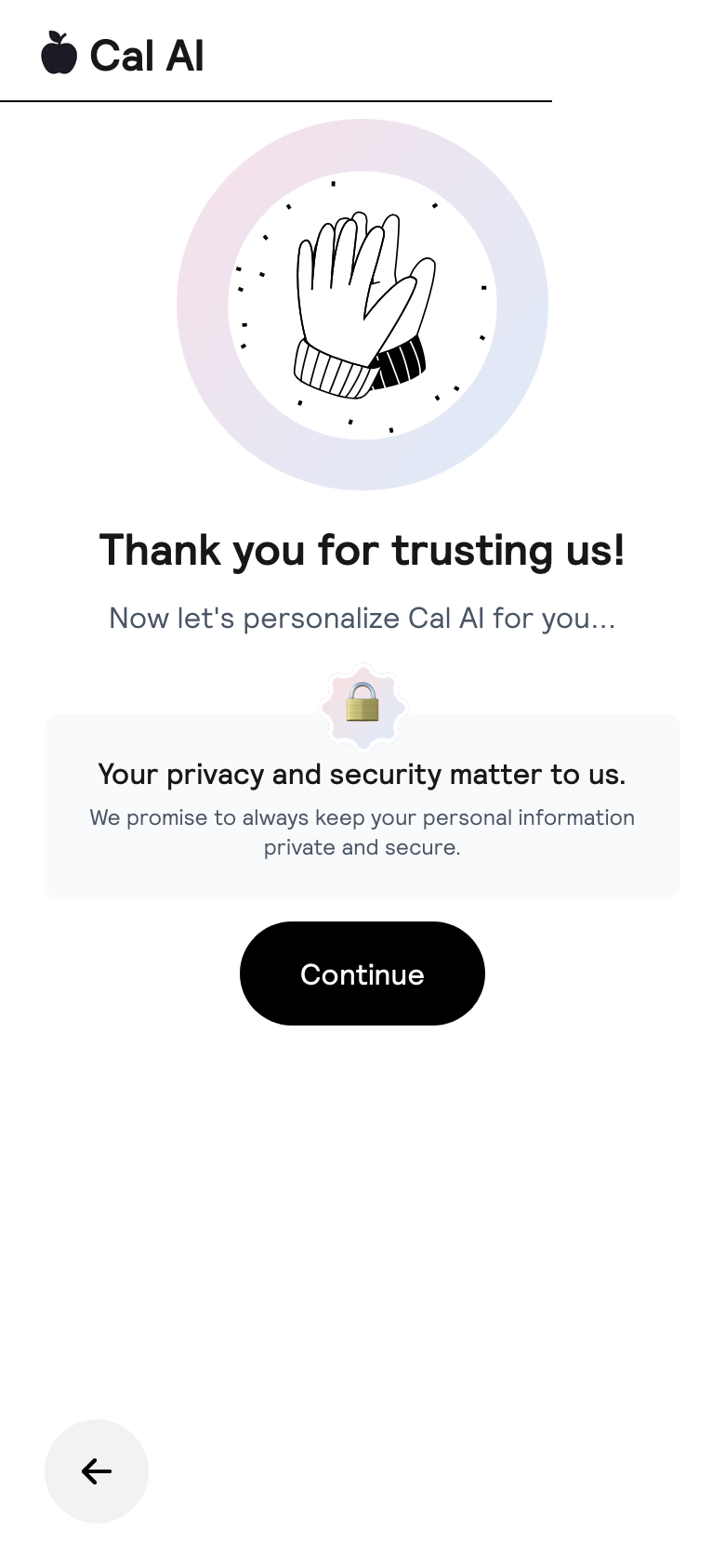
16. Trust transition "Thank you for trusting us" closes the question block and prepares the user for personalization/calculation.
Personalize screen
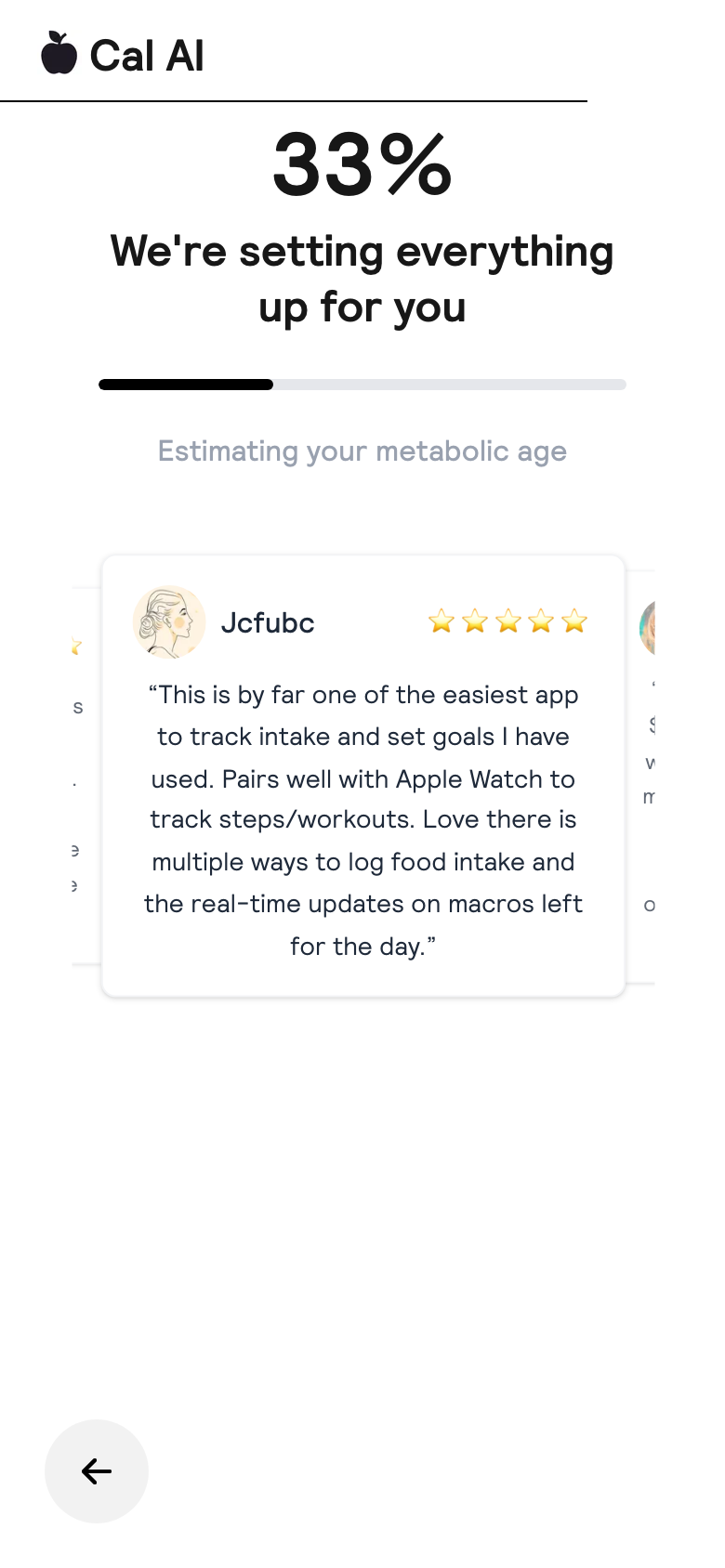
17. Personalizing The loading/progress screen creates a computation effect. This increases perceived value before email and paywall.
Email screen
18. Email capture Lead capture before paywall: save your progress. The user has already invested, so the email ask feels easier.
Plan ready screen
19. Custom plan ready Intermediate reward: the plan is ready. This frames the paywall as access to already-created value.
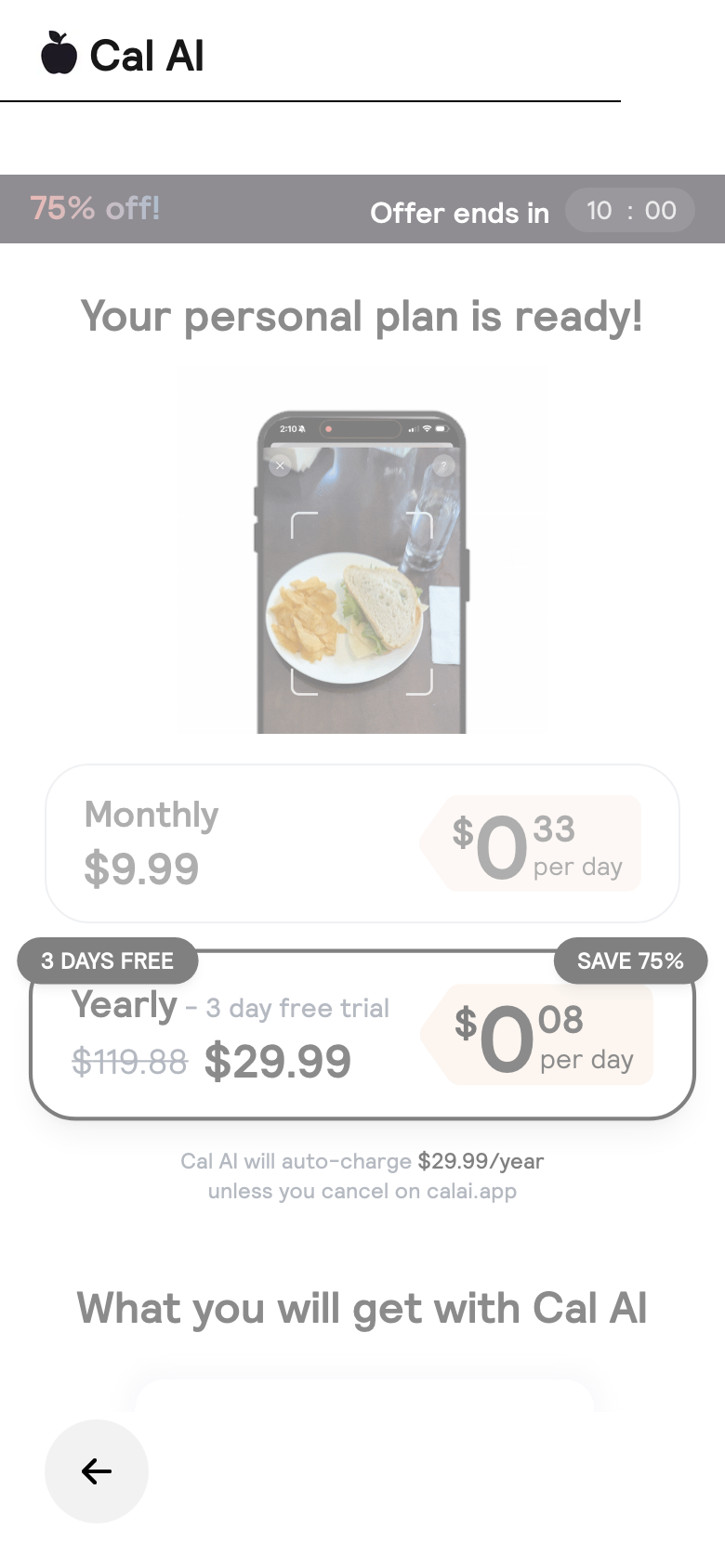
Paywall screen
20. Web paywall Offer stack: 75% off, timer, yearly selected by default, 3 days free, $0.08/day framing, and CTA "Get my plan".

4. What Works

Message match

The creative and the first screen say the same thing: take a food photo -> get calories. This reduces bounce after the click.

Commitment ladder

Questions move from simple to more personal. By the email/paywall step, the user has already invested time and personal data.

Outcome framing

Cal AI sells a personalized plan and an easier path to the goal, not just a calorie tracker.

Price psychology

The yearly plan is framed as the primary choice: 3-day free trial, save 75%, daily price, and auto-charge copy.

5. Opportunities To Test

6. Sources